
Let’s see how the Copy Cat element works
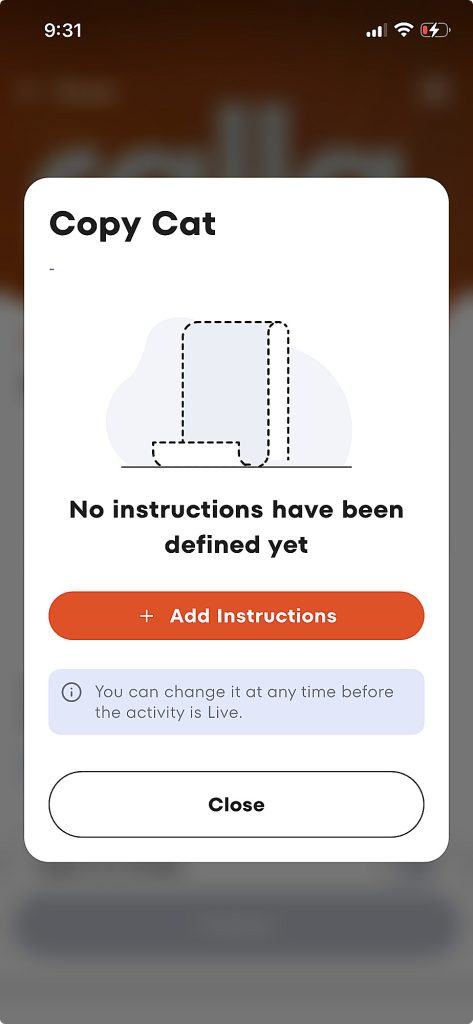
The Copy Cat element allows organizers to verify completed physical challenges or achievements. It’s the perfect tool for influencers or promoters developing a viral campaign.
Copy Cat combines text and image as an input. Both the image and instructional text are used to create the success criteria.
Let’s see how it works!
Let’s say we want to promote Red Bull. We’re going to ask participants to capture images of them drinking Red Bull. But we want to enhance that by making sure the images we accept are taken safely. We could expand the guidance further to tailor what we get to our promotion, but we’ll leave it at that in this case.
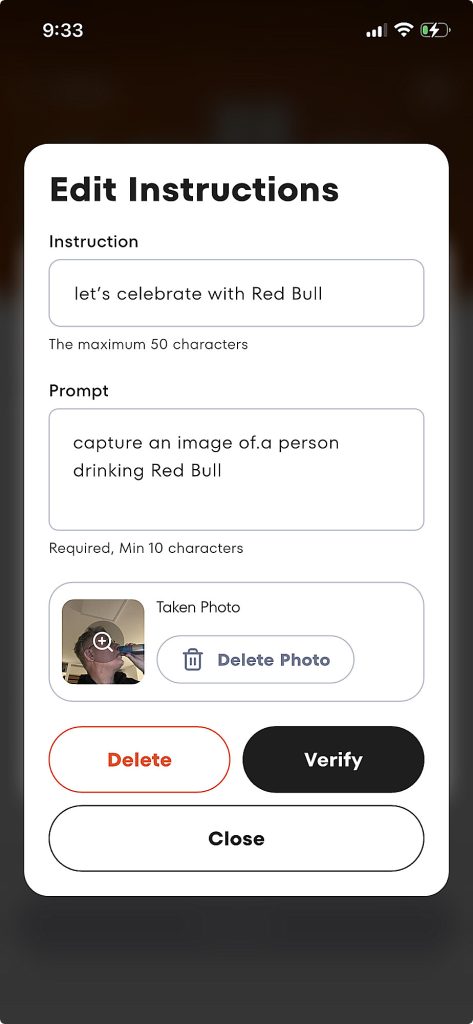
The first step is to define the instructions for the participant and guidance for the app.
The app uses an image and prompt text to ensure it’s hitting the organizers goal. The prompt itself can be elaborate and expand to provide rigorous checks on what content is submitted.
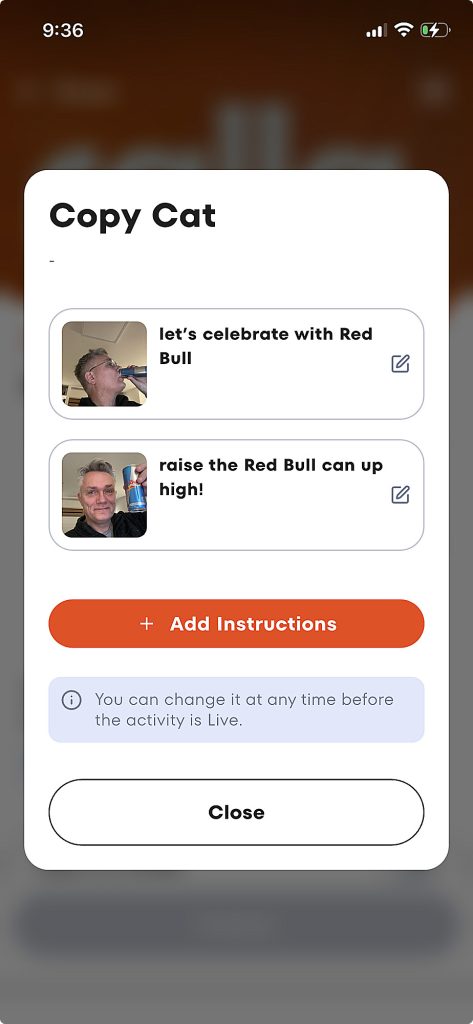
We can add multiple challenges within the same framework.
Each of the challenges is handled separately, with user instructions and a separate prompt guiding how the image will be evaluated.
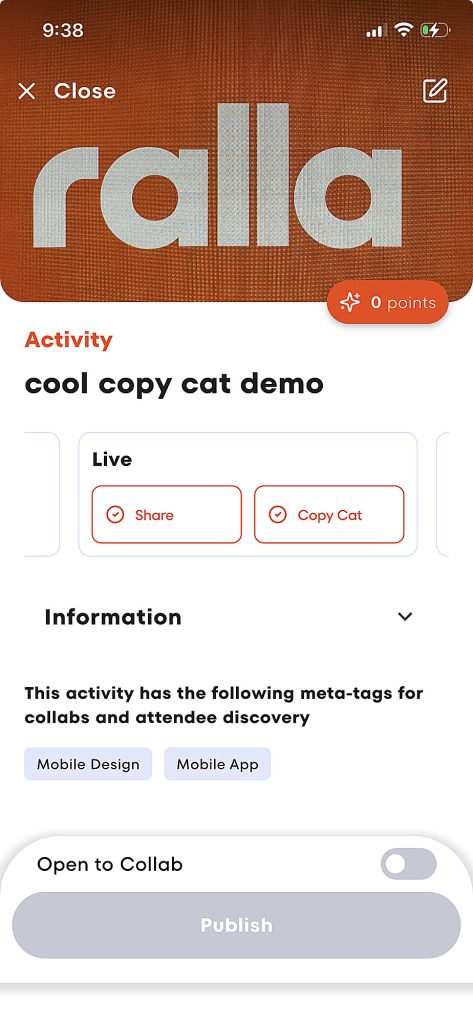
With that setup complete, we’re ready to go.
The Live elements shown here let the organizer know they’re complete. These were both selected by the organizer. We’ll explain how “Share” works later.
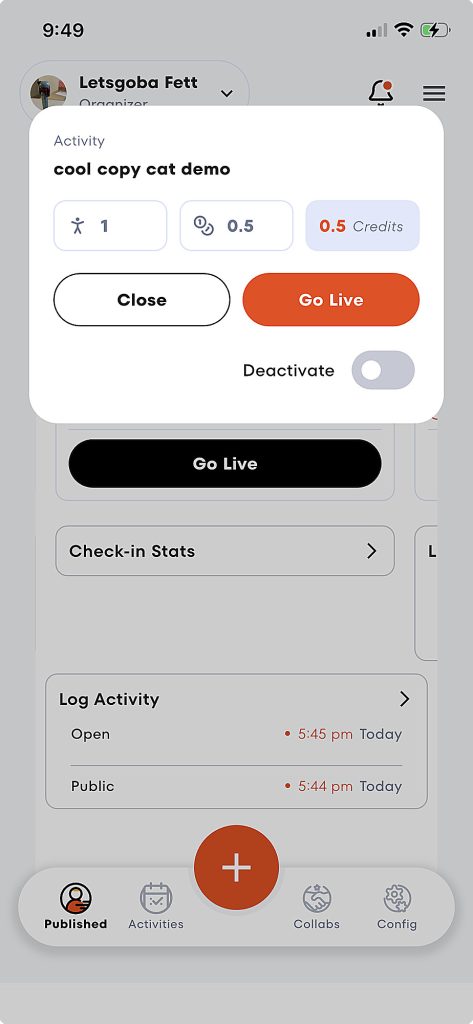
Just to finish up, we’ll show how the organizer goes live from their dashboard.
The organizer is just paying for the verification they’re going to use during the activity, nothing else. There are no contracts or subscriptions.
Payment *doesn’t* happen when the activity goes live, just when folks are ready to use the service.
And this activity is coming in at less than one US penny to deliver.
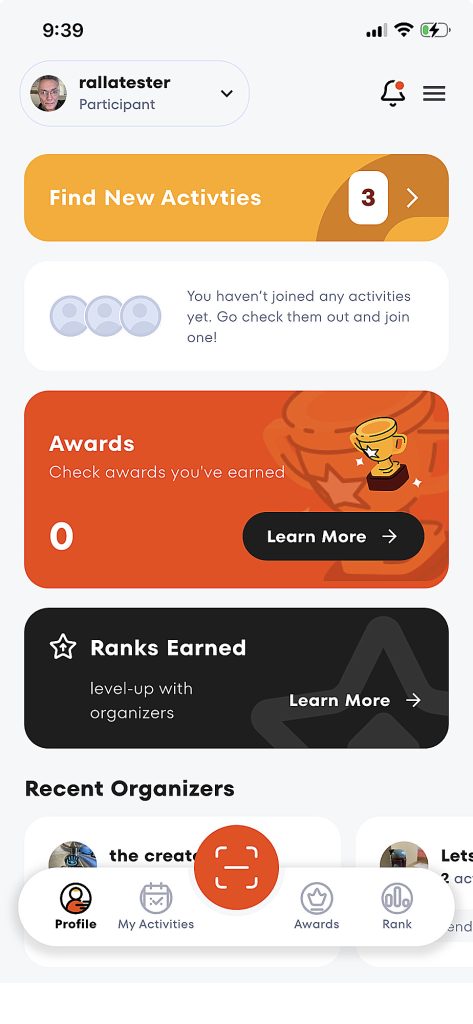
Next, let’s look at this from the participants perspective.
Ralla offers the ability to embed verification in 3rd party apps. But for now, we’re looking at the native participant interface.
We can see their awards, the rank they’ve earned with organizers they’ve worked with and insights into the current activities of those organizers.
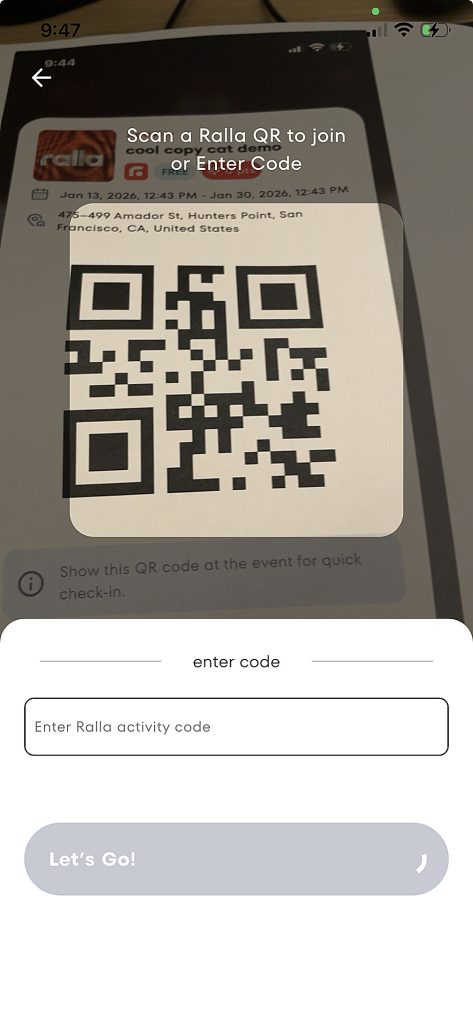
We’re going to cut to the chase and join the activity we’re demoing with a QR code.
We assume that many of the applications for Ralla will be *in person* with activities being created quickly and used on the spot to provide structure and scaffolding for shared in-person events.
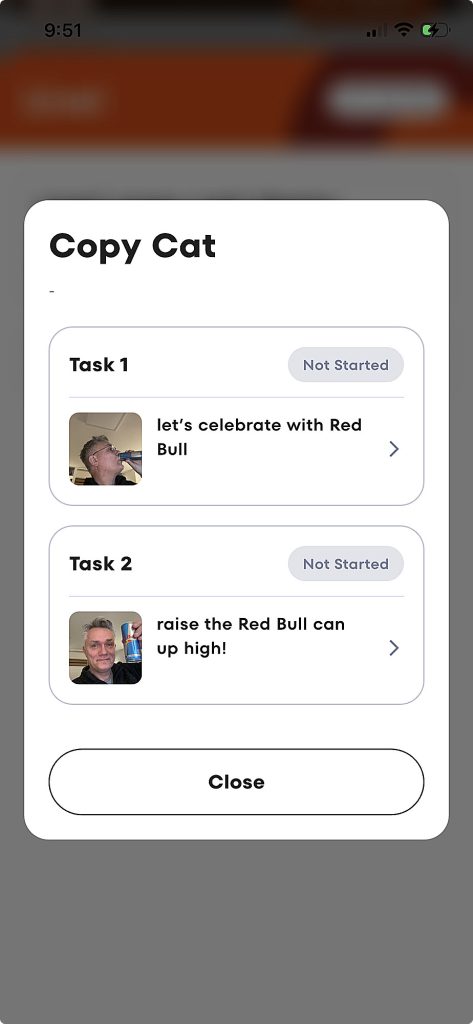
Within the activity itself, we’re presented with the two tasks the organizer created. We’re just given the explanatory text.
The prompt the organizer created will be used to interpret the shared image.
Those instructions can be as complex or rich as you might imagine, providing for all kind of virally engaging antics.
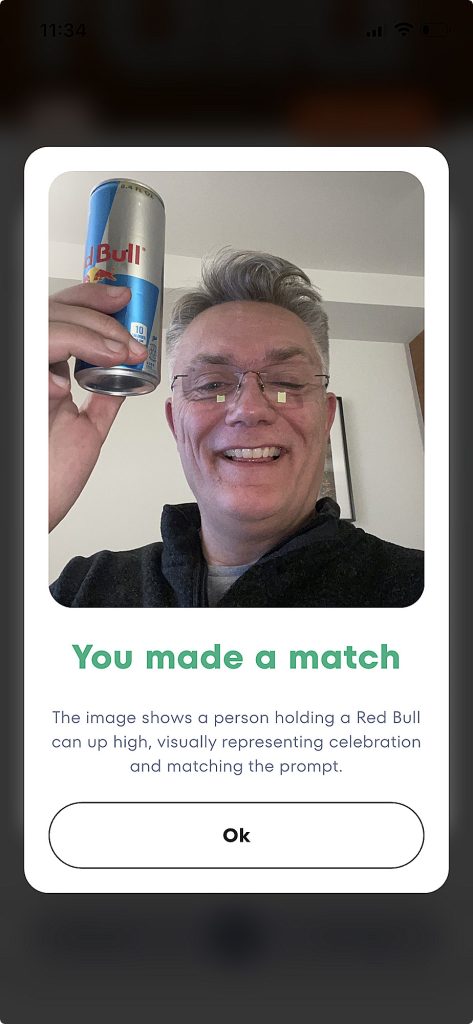
Here’s the result of a capture taken against the second challenge, with an explanation of the AI interpretation and status confirmation.
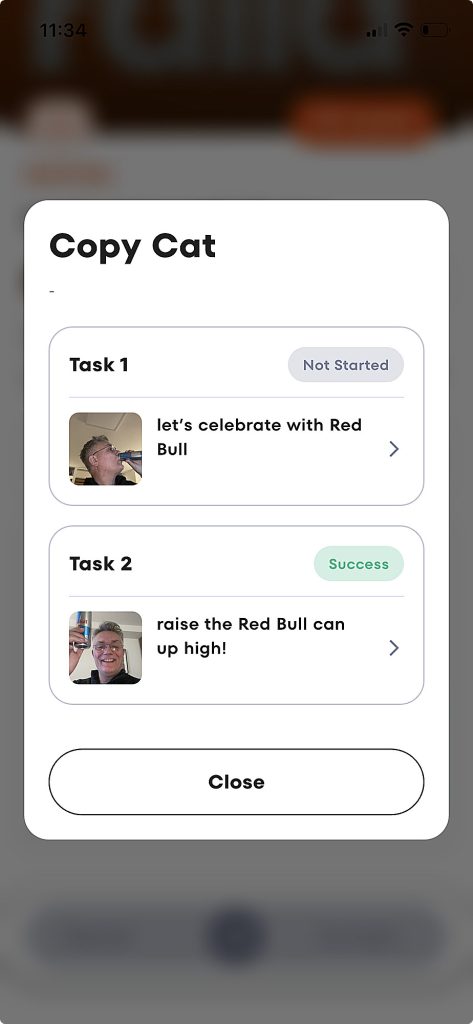
More generally, the Copy Cat task can be used to map out multiple states for participants, with success captured in the organizer’s dashboard and overall progress confirmed at the end of the activity for the participant.
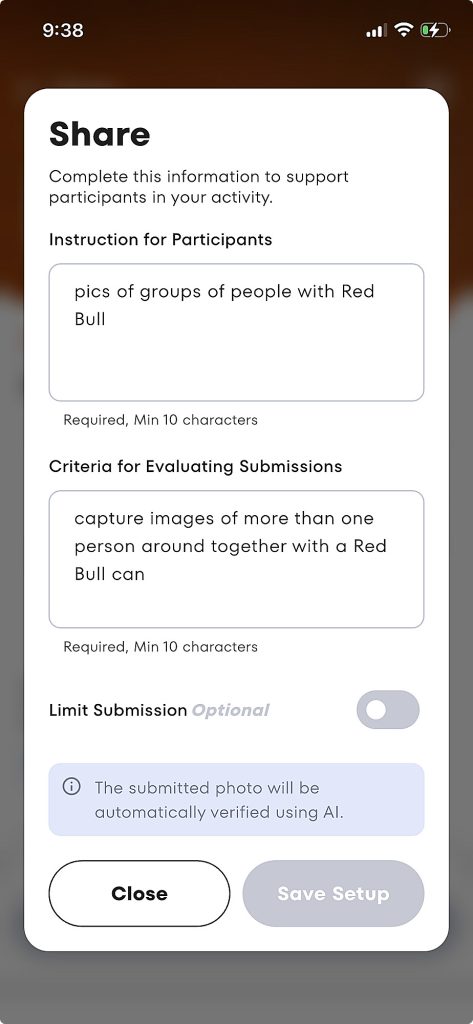
The other element visible in the activity described above was “Share”. Share allows the organizer to review all of the content submitted by participants and shared back stand out items to all participants as well as, of course, across social media.
More to come on that integration in another next walk though!